Interior design AI from photo – best free tools and how it works

AI interior design from a photo really works — and it’s the fastest way to redesign a room: upload a photo, pick a style, and get a realistic new version in seconds. No floor plans, no manual modeling, no experience needed. Most tools even let you start for free (Izbaviz gives you two free visualizations).
But not every “AI design” tool is the same. In this guide we break down how it works, the different tool types, and which is best for redesigning your actual room.
What is interior design AI?
Interior design AI uses artificial intelligence to generate new room designs from images or text prompts. Instead of building a room from scratch, AI analyzes your space and creates realistic redesigns instantly.
Typical workflow:
- Upload a photo of your room
- Choose a style (modern, Scandinavian, industrial)
- Generate a new version in seconds
Why “AI interior design from photo” is trending
Because it removes the hardest part of design: imagination. Instead of guessing how something might look, you see it immediately. It’s especially useful if you plan a renovation, want to redecorate, or sell or rent a property.
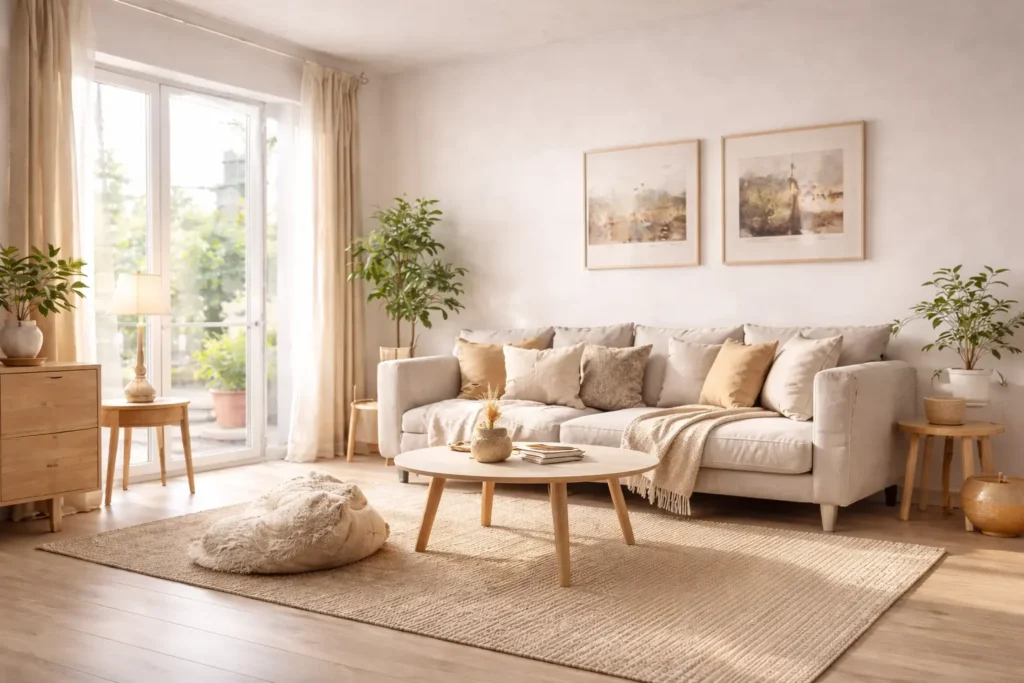
The problem with most “AI design” tools
Many tools labeled “AI design” still require manual work. Apps like Planner 5D or RoomSketcher focus on building layouts, not instant visualization — you still draw walls, place furniture, and learn the interface, which defeats the purpose of AI.
The new approach: AI design from real photos
This is where it gets interesting. Instead of designing from scratch, modern tools work directly on your photo: no setup, no modeling, and realistic results based on your actual space.
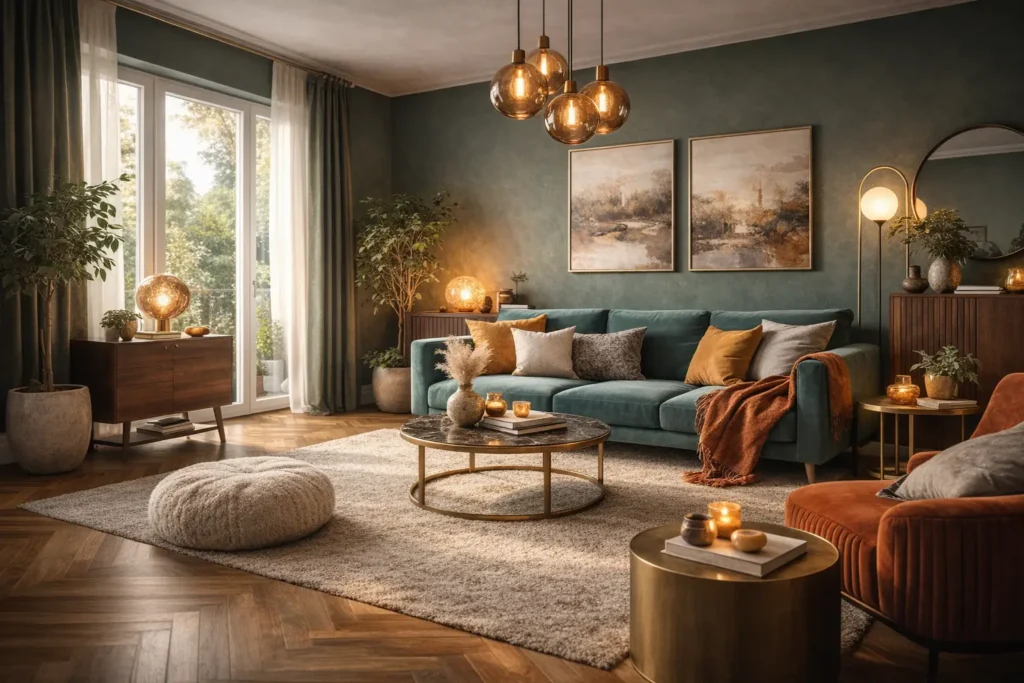
How to redesign a room from a photo (step by step)
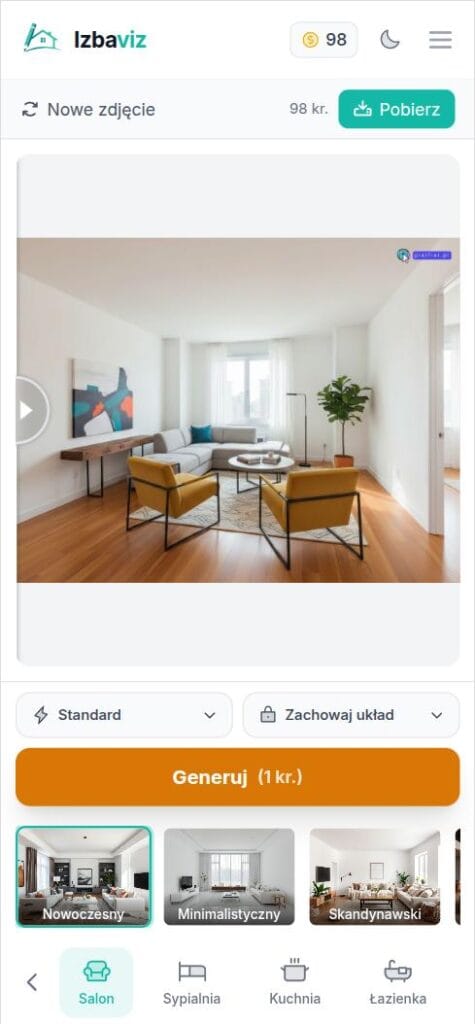
With a photo-based AI interior design tool like Izbaviz, you redesign your real room from a single photo in under a minute:
- Take or upload a well-lit, horizontal photo of the room (JPG, PNG, or HEIC, up to 10 MB).
- Pick a style — Modern, Scandinavian, Industrial, Japandi, or Boho.
- Choose whether to keep the existing layout or let the AI redesign it.
- Generate — the photorealistic result is ready in about 15–40 seconds.
- Compare before and after, then download your new interior design.
Because the AI works directly on your photo, the redesign stays true to your actual walls, windows, and proportions — it’s an interior design visualizer for the room you already have, not a generic inspiration image.
What you can redesign from a single photo
One photo is enough to redesign any room — and you can run as many rooms or photos as you like, each as a separate visualization:
| Room | What AI changes from your photo |
|---|---|
| Living room | Style, furniture layout, wall color, mood |
| Bedroom | Atmosphere, colors, textiles, arrangement |
| Kitchen | Cabinet fronts, countertops, finishes, lighting |
| Bathroom | Tiles, fixtures, style, wall color |
| Empty room | Full furnishing — home staging, Airbnb, office |
How accurate is interior design AI from a photo?
Interior design from a photo is accurate because the AI reads your actual room — the walls, windows, and proportions in the image — instead of inventing a generic space. In Keep Layout mode the structure stays put and only finishes, furniture, and style change; Redesign mode allows bigger moves while still anchoring to your photo.
You get the most accurate interior design from photos when you:
- shoot a well-lit, horizontal photo that shows the whole room,
- avoid heavy clutter blocking the walls and floor,
- use Keep Layout when you want to preserve the existing structure,
- generate a few variations and pick the closest match.
Because every result is based on your own image, interior design from a photo stays far closer to reality than text-prompted generators — what you see is your room, redesigned.
AI interior design tools compared
Here are the main types of tools you’ll find:
| Tool type | How it works | Best for |
|---|---|---|
| Layout-based (Planner 5D, RoomSketcher) | You draw walls and place furniture | Architects, detailed plans |
| AI image generators (Midjourney) | Create inspiration, not your real room | Mood boards, ideas |
| Photo-based AI (Izbaviz) | Redesigns your actual room photo in seconds | Fast, realistic results |
Photo-based AI is the most practical for redesigning a real room — that’s where Izbaviz comes in. Upload your room photo, choose from multiple styles, and generate a full transformation instantly. It also goes beyond redesign: furnish empty rooms, remove clutter, change mood and lighting, and test wall colors. It’s not just design — it’s decision simulation.
New to this? See every tool on one page in the Izbaviz interior design visualizer, start with our guide on AI interior visualization step by step, browse 20 interior styles, or see how AI is changing interior design.
Frequently Asked Questions
Many tools offer free generations to start. Izbaviz gives you two free visualizations — enough to test ideas before committing to a redesign.
Upload a photo of your room, choose a style or tool, and the AI generates a realistic redesign in seconds — no walls to draw and no modeling.
Not completely. AI helps you explore ideas quickly, while designers refine and execute them — they work best together.
Photo-based tools are the most practical for redesigning a real room (e.g. Izbaviz). Layout apps like Planner 5D suit detailed plans, and image generators like Midjourney are better for inspiration.
Planner 5D needs you to build the room manually; photo-based AI redesigns your existing photo automatically in seconds.
Yes — Izbaviz works in your mobile browser, so you can upload a photo straight from your phone.
Yes. Photo-based AI reads your real walls, windows, and proportions, so the redesign matches your actual room. In Keep Layout mode it preserves the structure; Redesign mode allows bigger changes.
Yes — upload a separate photo for each room and generate a visualization per space. There’s no limit beyond your available credits, so you can redesign a whole apartment room by room.
Yes — because the AI works from your real photo, it keeps your actual walls, windows, and proportions. For the closest match, use a well-lit, horizontal shot of the whole room and Keep Layout mode.
Yes. Upload a separate photo for each room and run one visualization per space, so you can get interior design from photos of your entire home, room by room.
Final thoughts
Interior design AI isn’t about replacing creativity — it’s about removing friction. Instead of imagining your future space, you see it instantly. That’s why photo-based tools like Izbaviz are gaining traction.
Try AI interior design from a photo for free and redesign your room in seconds.
Ready for a room makeover?
Upload a room photo and transform its look in seconds. 20+ styles, 12 room types.