AI Interior Design Visualizer — Redesign Any Room from a Photo
Izbaviz is an AI interior design visualizer that turns a photo of your room into a photorealistic redesign in 15–40 seconds. You upload one picture, pick a style, and get a finished visualization — no floor plans, no 3D modelling, no software to install. Ten tools cover restyling, changes described in your own words, virtual furnishing, decluttering, wall colour, lighting mood and sketch-to-render, plus animating a finished visualization and a 360° panorama you can look around in. The first two visualizations are free, with no credit card and no watermark on the result.
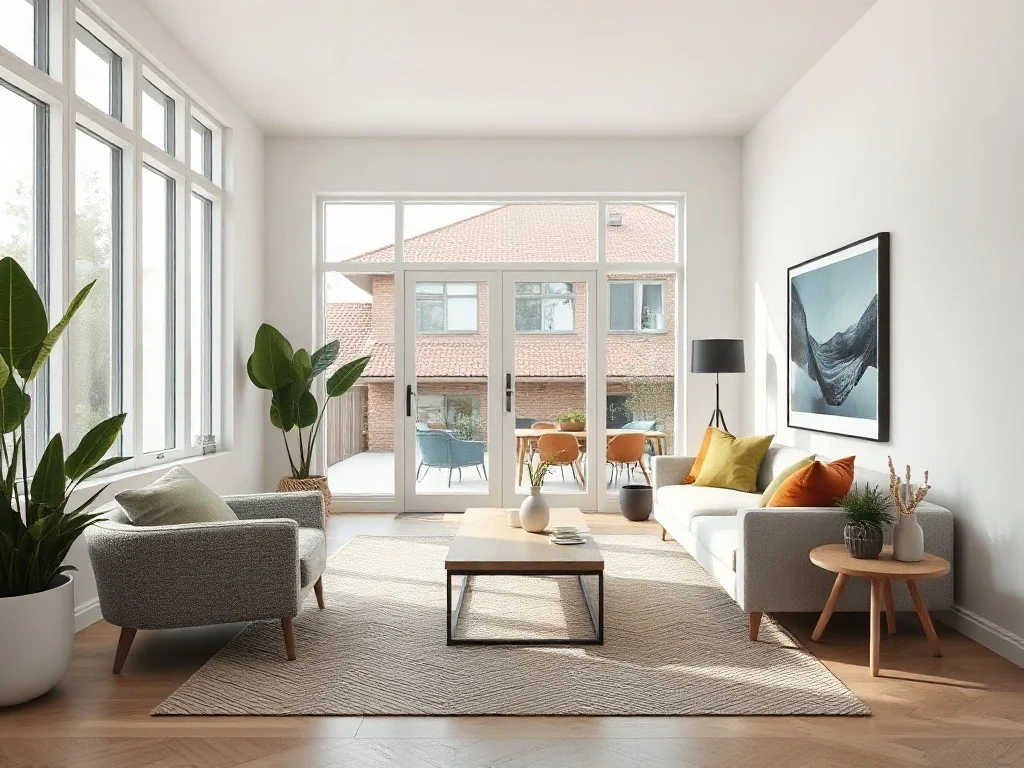
How the interior visualizer works
- Upload a photo of the room — shot from a corner, in daylight, with walls and floor visible.
- Choose what to change — a style, furniture, wall colour, lighting mood, or all of it.
- Get the visualization in 15–40 seconds, at full resolution, with your room’s layout, windows and camera angle preserved.
Because the AI works on your actual photograph, the output is your room — not a generic render that happens to look nice. That is the difference between an interior design visualizer and an image generator.
What you can visualize
| Room | What the visualizer does best |
|---|---|
| Living room | Full restyle, sofa and layout swaps, 20 styles per room type |
| Bedroom | Calmer palettes, bedding and lighting mood |
| Kitchen | Cabinet finish, worktop and wall colour changes |
| Bathroom | Tile, fittings and lighting variations |
| Home office | Desk setup and storage in a real corner of your home |
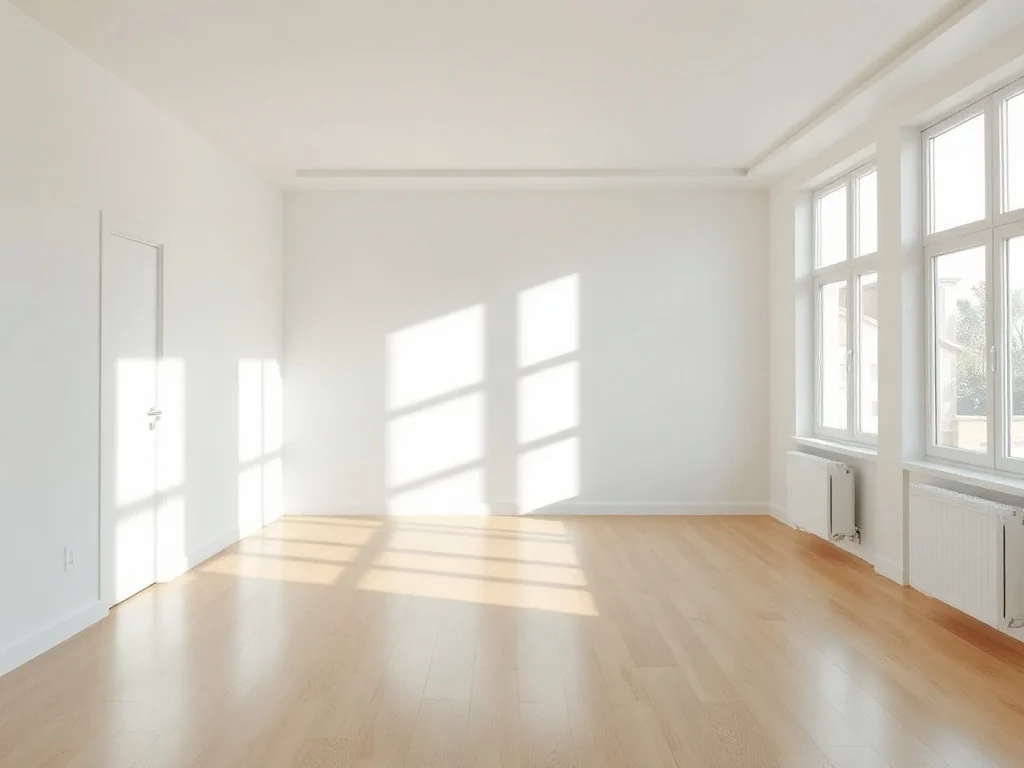
| Empty apartment | Virtual furnishing for listings and home staging |
Ten tools in one visualizer
- Describe a change — write in your own words what to change and the AI leaves the rest of the photo as it is; each next tweak builds on the previous result.
- Visualize — 17 room types × 20 styles, from Scandinavian to Japandi and industrial.
- Precise edit — draw on the photo to mark exactly where a sofa, bed or shelf should go.
- Render — turn a sketch, SketchUp mockup or 3D draft into a photorealistic interior.
- Furnish — fill an empty room, including presets for rentals and property staging.
- Declutter — remove mess from a photo without touching the room itself.
- Mood — change atmosphere and lighting without changing the furniture.
- Wall repaint — test a paint colour on your real wall before buying it.
- Animate — turn a finished visualization into a 5-second clip with smooth camera motion.
- Look around — turn a visualization into a 360° panorama you can look around in, as if standing in the room.
Interior design visualizer vs 3D planner vs designer
Three very different things get called “interior design software”. They differ mostly in how much work you do yourself:
| AI visualizer (from a photo) | 3D room planner | Interior designer | |
|---|---|---|---|
| Starting point | A photo of your room | An empty canvas — you draw walls | A brief and a site visit |
| Time to result | 15–40 seconds | Hours to evenings | Days to weeks |
| Skill needed | None | 3D interface, furniture libraries | None — you hire it |
| Output | Photorealistic image of your room | 3D render that looks like a model | Full documented project |
| Cost | Free to start, credits from ~$3 | Free tier, paid pro plans | Hundreds to thousands |
| Best for | Seeing a change before committing | Dimensions and technical layouts | Full renovations |
Is the visualizer free?
The first two visualizations are free — no credit card, no trial to cancel, and no watermark burned into the result. After that you buy credit packs instead of a subscription, so unused credits do not expire at the end of the month and you only pay for the images you actually generate.
That matters more than it sounds: many free interior visualizers either stamp a watermark on the output or restrict it to non-commercial use, which rules the file out for a property listing or a client presentation.
Frequently asked questions
An interior design visualizer turns an image of a real room into a redesigned version of that same room. Unlike an image generator, which invents a space from a text prompt, a visualizer keeps your layout, windows, doors and camera angle, so what you see is your room with the change applied.
Upload one photo of the room, choose a style or a tool such as furnishing or wall repaint, and generate. The result arrives in 15–40 seconds. No floor plan, measurements or 3D modelling are required — the AI reads the space directly from the photograph.
Yes. Izbaviz gives you two free visualizations at full resolution with no watermark and no credit card. Many free visualizers watermark the output or limit it to non-commercial use, which makes the file unusable for listings or client work.
Yes. Every tool runs in a preserve mode that keeps walls, windows, doors and the camera perspective intact, so the visualization stays recognisable as your room. A stronger redesign mode is available when you want the AI to take more liberty.
Yes. Virtual furnishing of an empty apartment is one of the built-in presets, and results carry no watermark, so they can be used in listings and home staging. Disclose that images are virtually staged, as most listing platforms require.
No. The visualizer runs in the browser on desktop and mobile, so there is nothing to download and no graphics card required. Around 80% of visualizations are made on a phone.
Start visualizing
Upload one photo and see the room change. Two visualizations are free, there is no card to enter and nothing to cancel.
Open the interior design visualizer →
Want to read more first? See how AI interior visualization works, interior design AI from a photo, or our comparison of the best AI interior design apps.